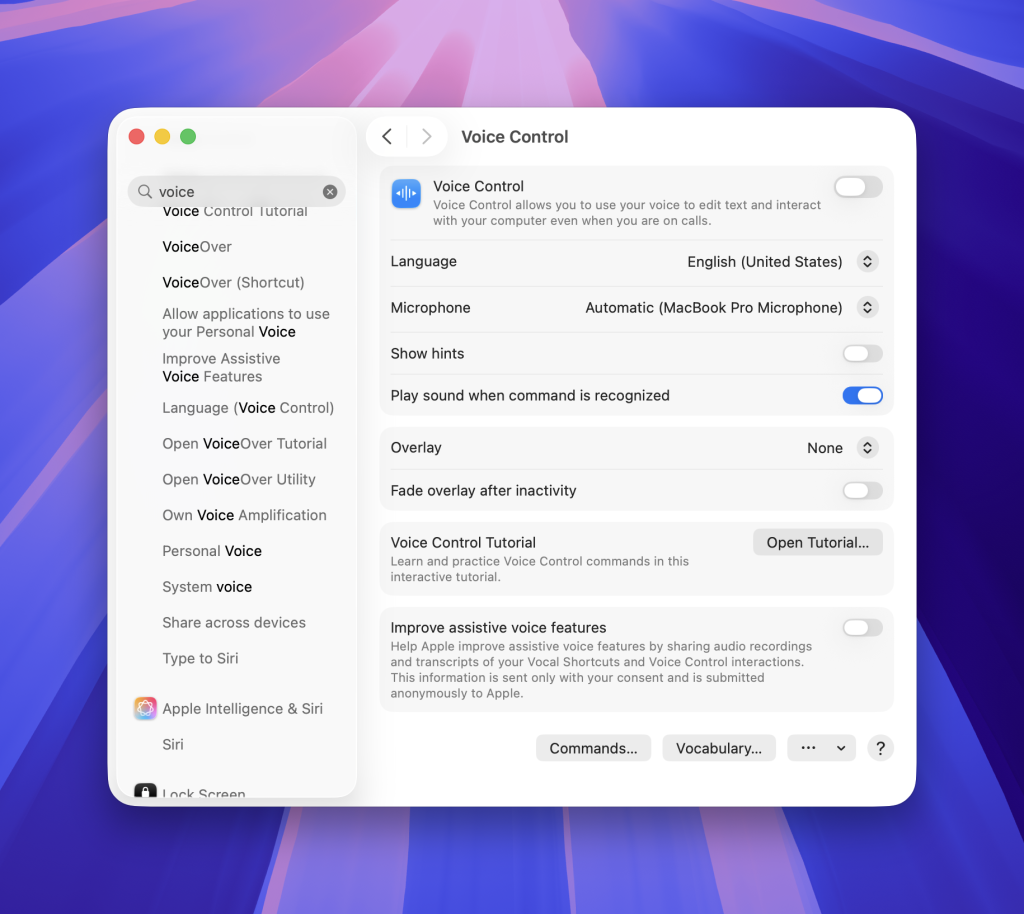
In this post, I use person-first language, such as “people with motor disabilities,” while understanding that some people prefer identity-first language, such as “disabled people.” As discussed in class, there is no defined preference that applies to everyone, so the best approach is to ask and respect the language the person wishes we use.
Voice Control on the Mac, lets someone use spoken commands to perform gestures such as opening apps, scrolling, selecting controls, and interacting with interface elements. It can also be used to dictate, edit text and navigate the interface. It makes the Mac more accessible for people with motor disabilities who may have difficulty using a mouse or keyboard.
The functional solutions model we discussed last week is useful here. This model looks at how an impairment affects task completion and uses technology or innovation to remove that barrier. If precise hand movements makes clicking or typing difficult, speech becomes another way to complete the task. From a medical-model perspective, the feature could instead be framed as compensating for an individual impairment. That framing is more limited because it locates the “problem” in the person rather than asking why computer interaction was designed around mainly hands in the first place.
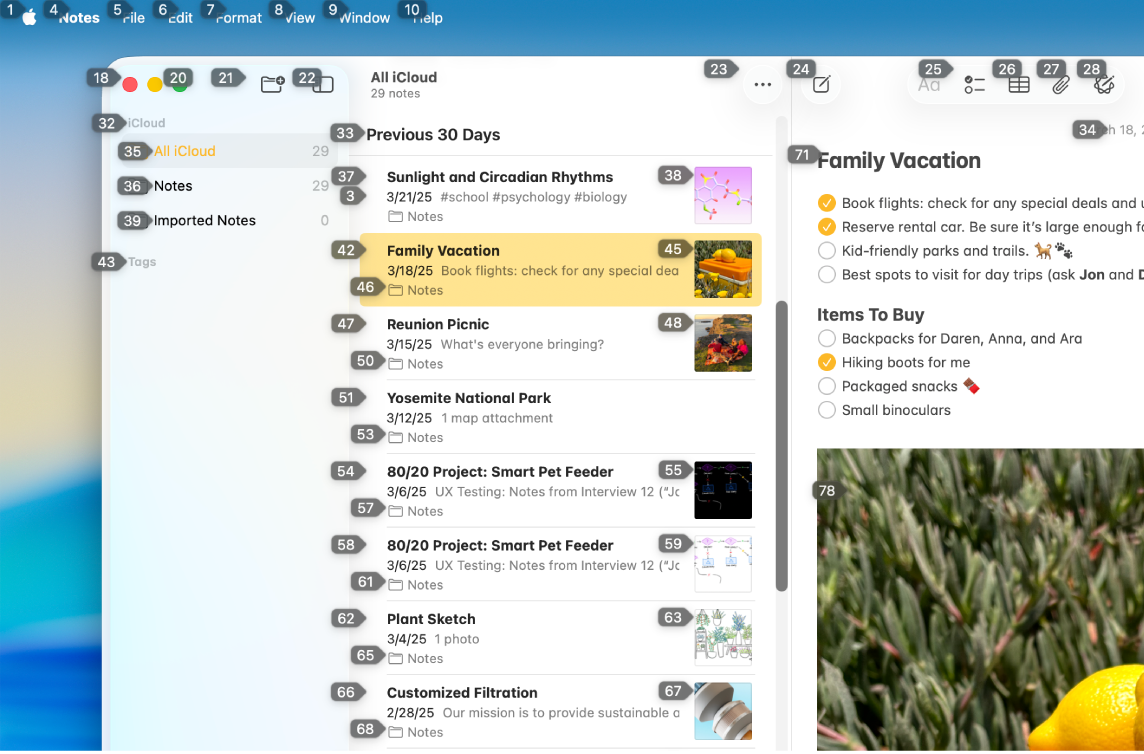
A user will just say the number in order to perform the action or navigate to that particular place. It’s pretty neat.
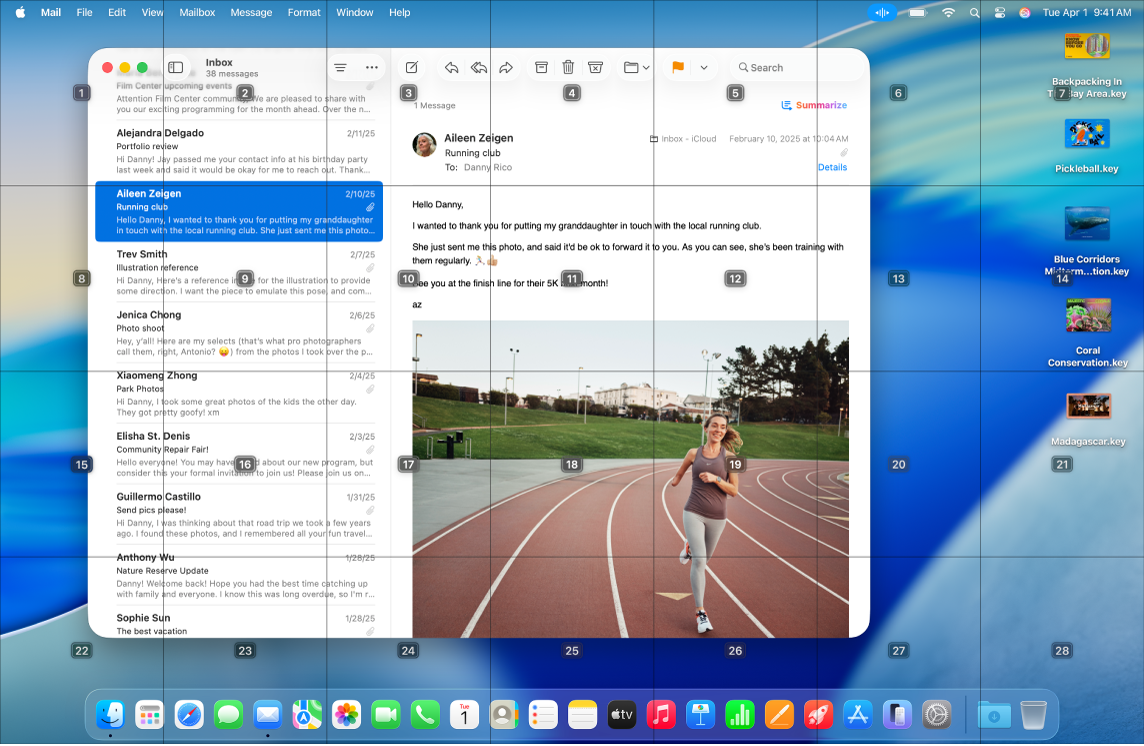
Voice Control can also place numbers or a numbered grid over the screen. A user can say a number to select an interface element to drill into a precise area, which is helpful when a control is difficult to identify by name. This feature aligns strongly with the social model of disability, which argues that people are disabled by barriers in society rather than simply by their impairments. An interface that requires and assume precise pointer control creates a barrier. However, even Voice Control’s mode of interaction it is not universally accessible. The overlay adds visual information and may create clutter, so a person with low vision or certain cognitive disabilities may need another solution.
Lastly, Voice Control lets users create custom commands by add these vocabulary / text shortcuts. Repeated actions, for example, can be linked to a phrase that is easier, faster to say or more memorable. This again reflects the functional solutions model – the technology adapts to make tasks easier to complete. Because without defined vocabulary for repeated actions, it would be quite cumbersome to keep remembering to use the right keyword in order to operate the interface. It also supports the social model by giving users more or rather relatively equal control over how they interact with a system.
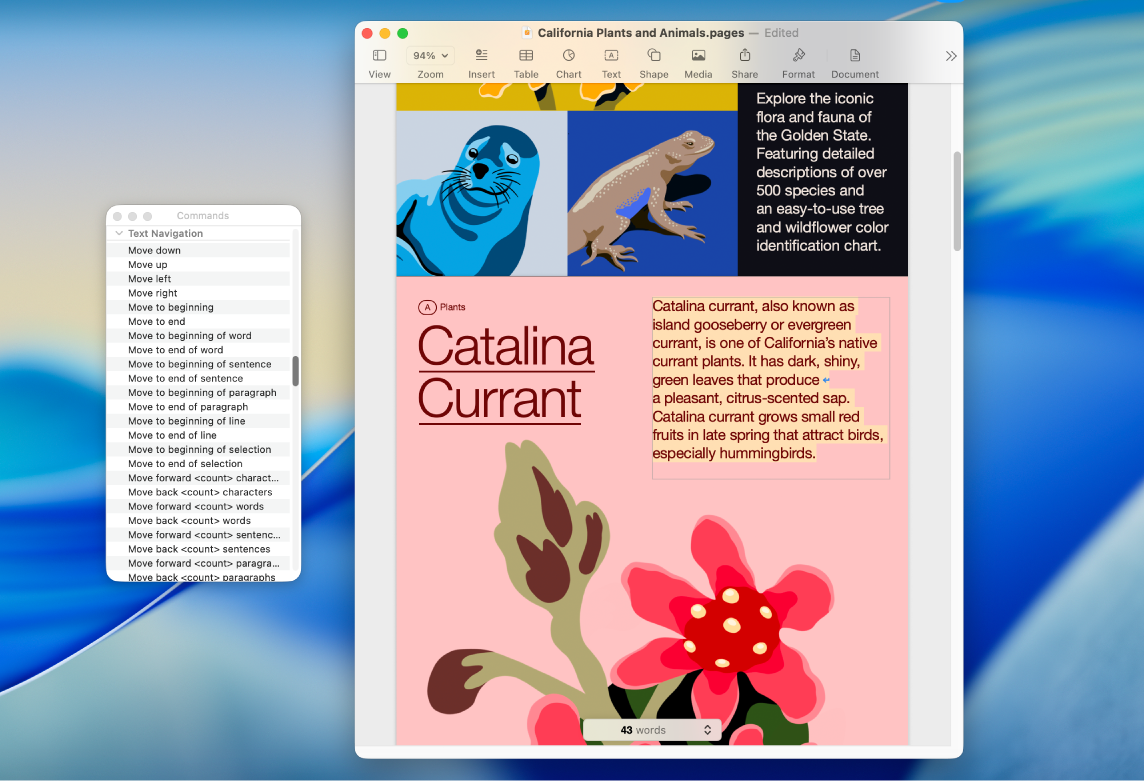
In all, Voice Control is accessible not because it is accessible to all, but because it expands the ways a person can operate a computer. Its strongest qualities are utility, usability, and affordability as no additional software purchase is required. However, the cost of Mac hardware means affordability is still relative. Although, the same software is also available for free on iPhones, which does make this more compatible for users who are using multiple Apple devices.