
Introduction to Framer and its AI agent
Framer is a trendy, designer-friendly website-building platform. It allows users to design and publish responsive websites without writing any code. In June 2026, it launched its AI agent with the release of Framer 3.0, aimed at providing users with real-time AI assistance while designing their websites. Upon its release, it received very mixed feedback from Framer users. I’ve been using its AI agent to help me build my portfolio website for a few months now, and I hope to use this review to point out a few design issues and explore potential solutions by looking at a few other AI agents I’ve used as examples.
Agent first, style second? – Mapping
The way the AI agent is mapped onto the canvas implies that it is used more often than manually adjusting element styles, while it is the opposite in actual practice.
The AI agent is located in the right sidebar, where you can switch between “Agent,” the chat page, and “Style,” the panel to its right, which contains property controls for styling, sizing, layout alignment, and more. The fact that “Agent” is placed on the left, that it shows the chat page by default when you first enter or reload the page, and that it returns to the chat page whenever you click anywhere on the canvas naturally indicates that it is more important than “Style.”
However, in practice, I use the property panels in “Style” to adjust visual elements and layouts much more often than I chat with the AI agent. On top of that, when you select an element, the interface jumps to the Style page. But if you want to reference an element in the chat, you first have to hit the “Select” button under the input box. This contradicts the visual emphasis placed on the chat page described above.
It would be more intuitive if “Agent” were placed to the right of “Style,” so that it does not visually outweigh the feature that is used more frequently and is more important in most users’ workflow.
Is it done working? How many credits are left? – The gulf of evaluation
I tend to browse other pages or work on something else while the AI agent is doing its magic. However, a lot of the time, I don’t know when it has finished working, so I have to switch between pages back and forth to check its progress.
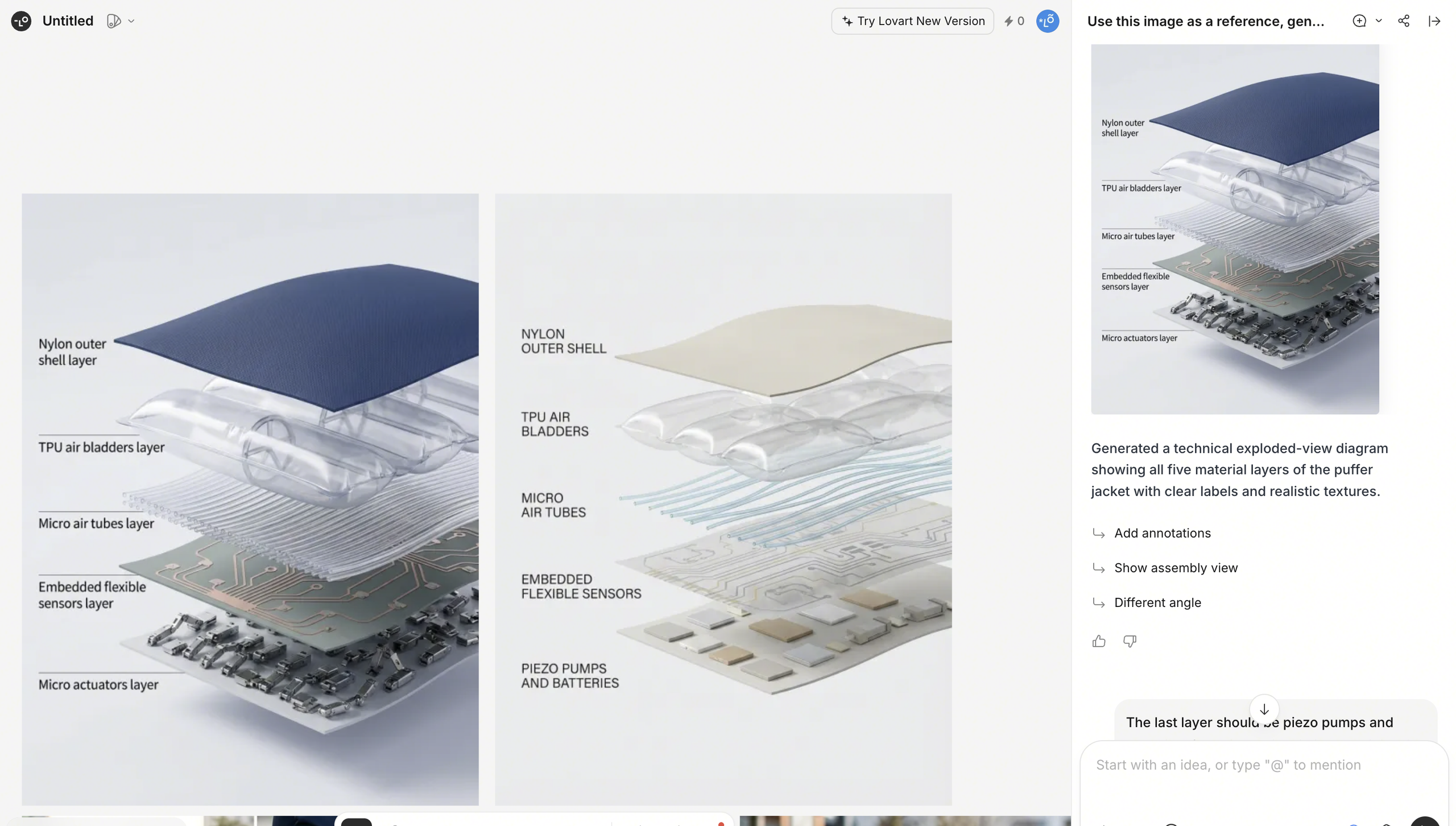
Lovart, another AI-powered design agent, gives me a sound notification every time it finishes a task. Here, a sound signifier is much more efficient than a visual signifier because I would usually be on a different page. I suggest that Framer learn from what Lovart is doing, as a simple notification sound could save users from having to constantly check the agent’s progress.
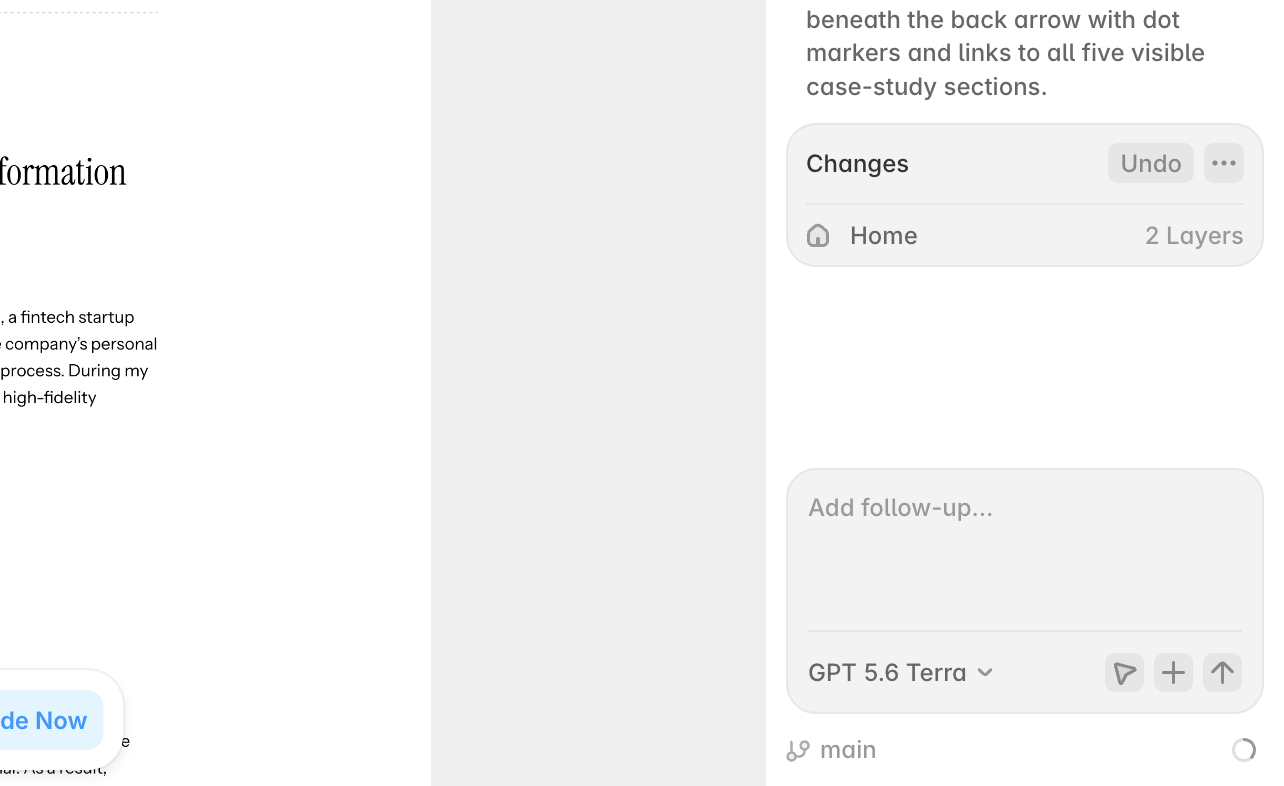
Like most AI agents, Framer’s AI agent does not do a great job bridging the gulf of evaluation for its users. A lot of users complain on Reddit that they cannot figure out how many credits they have left, and it is especially frustrating when the agent stops a task midway because it runs out of credits. Even though there is a small progress circle under the input box indicating the remaining credits, it is impossible for users to know how many credits a specific task will require.
When a task is stopped midway because of insufficient credits, users often have to undo it completely because they have no idea how to continue without the agent’s help. I suggest that the agent create a design plan and estimate the credits it will need before starting a task. If it determines that it might not be able to complete the task with the remaining credits, it should give users a heads-up so they can decide whether to continue or switch to a lighter task.
Can I go back? – Constraints on Reversibility
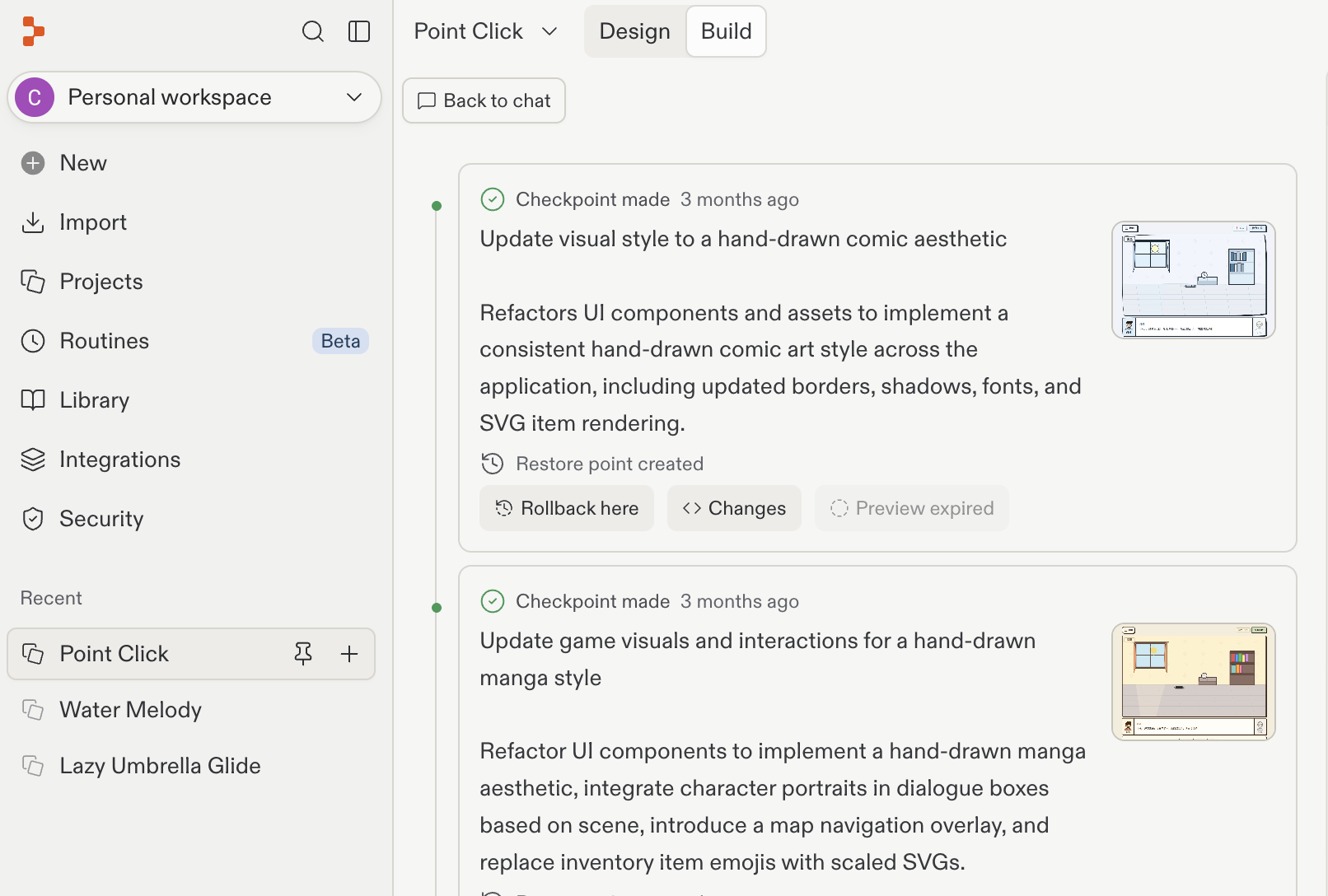
Unlike Replit, a software development platform that allows you to retrieve chat history and roll back to a previous step, Framer’s agent is session-based, and temporary chats are cleared every time the page is reloaded. This makes it very difficult to undo an action or return to an earlier state.
Even though Framer has “Redo” and “Undo” buttons after a task is completed, which provides a certain level of reversibility, they are limited to the current session. When you return to the page the next day, you can only manually adjust what was created by the agent or start a new session.